End-to-end fleet management for company vehicles
Vehicle booking and requests, approvals, dispatch, document renewals, work orders, per-vehicle cost and insurance claims — in one system backed by real figures, instead of spreadsheets scattered across departments.
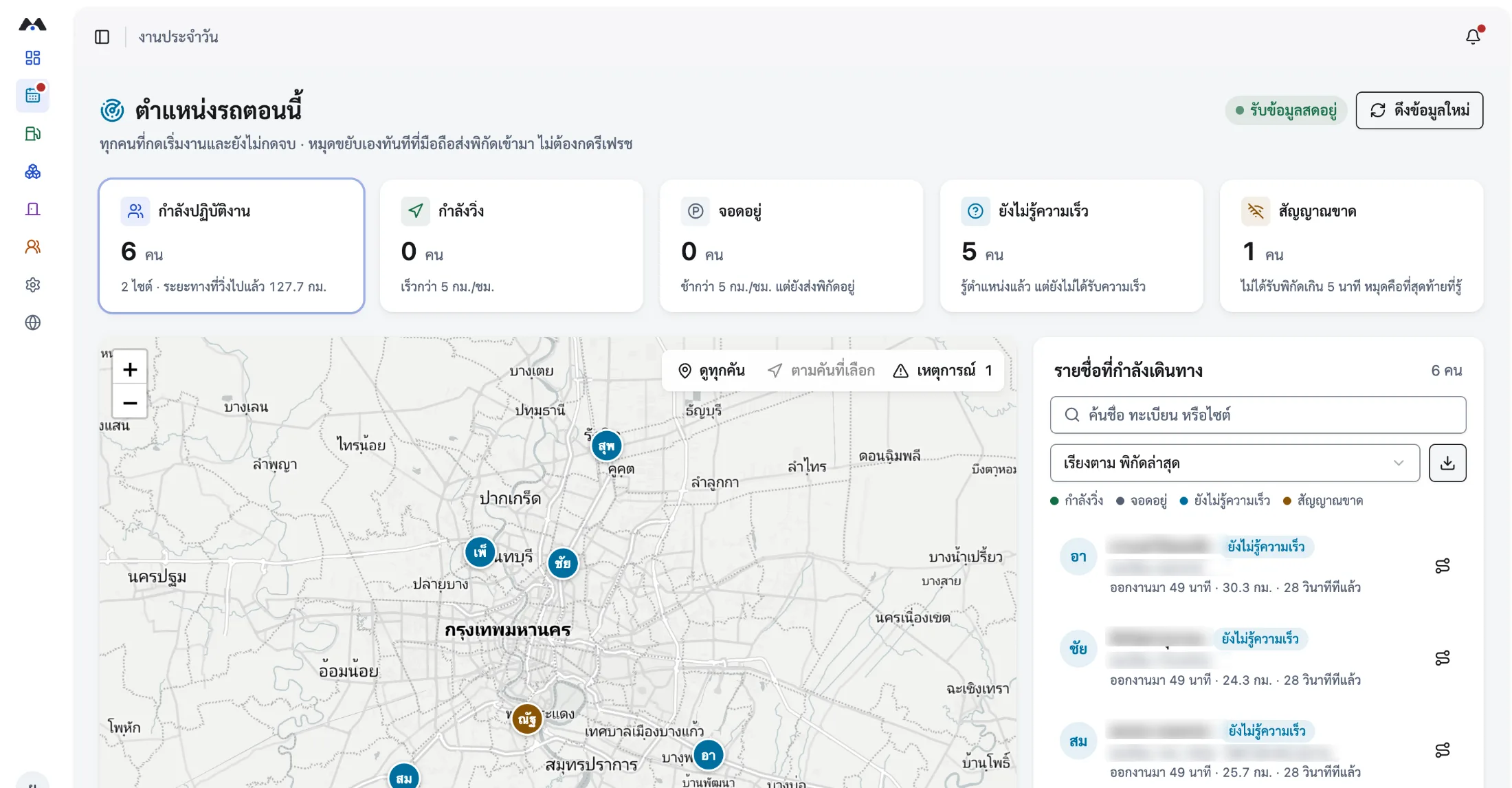
- Cost per kilometre, per vehicle
- Advance warning on documents and service intervals
- Company vehicles, rentals and staff-owned cars
What fleet management covers
Fleet management is running an organisation’s vehicles across their whole life: registering them, requesting and dispatching them, keeping documents and insurance current, servicing on schedule, controlling fuel and repair cost, and handling incidents, claims and eventual retirement. MOBIX runs that whole cycle on the same data used to track location and field work.
- Which vehicles it covers
- Company vehicles, long-term rentals and staff-owned cars used for work — all in one central register.
- Who uses it
- Dispatchers, vehicle administrators, finance, safety officers, and operations managers who have to read the cost figures.
- How cost is calculated
- Fuel receipts, repair cost from closed work orders, insurance premiums, and the distance actually driven from the tracking system — combined into a per-vehicle cost.
- Whether it integrates
- Six Excel import types, employee data synced through your ERP, and sign-in with Microsoft 365 accounts.
The vehicle cost that disappears into paperwork
Fleet spending rarely leaks in one big event. It leaks a little at a time, in the places where nobody sees the combined figure.
Documents live in different files
Registration, insurance, compulsory motor cover and service intervals sit in separate files owned by separate teams — so a lapse is usually discovered when the vehicle is needed.
Repairs with no ceiling
Fault reports that never pass a spending approval push per-vehicle repair cost up one invoice at a time, with nobody comparing against history.
No cost per kilometre
With fuel receipts, repairs and distance held separately, decisions to keep or retire a vehicle get made without numbers behind them.
The vehicle lifecycle in MOBIX
Every step attaches to the same vehicle, so readiness and cost can be answered the moment someone asks.
- 01
Register the vehicle centrally
Record the vehicle, its documents, insurance and service intervals. The system warns ahead of renewal dates and service due dates.
- 02
Book and dispatch on one board
Staff book a pool vehicle or raise a request, approvers sign off along the reporting line, and the dispatcher assigns driver and vehicle — with a 13-point pre-departure vehicle check.
- 03
Report faults, approve against limits
A fault report from the field becomes a work order that must clear its spending approval, then stays in that vehicle’s repair history.
- 04
Summarise cost and carbon per vehicle
Fuel receipts, repairs and real distance combine into per-vehicle cost and cost per kilometre, alongside Scope 1 carbon on Thai TGO methodology.
What the vehicle team gains
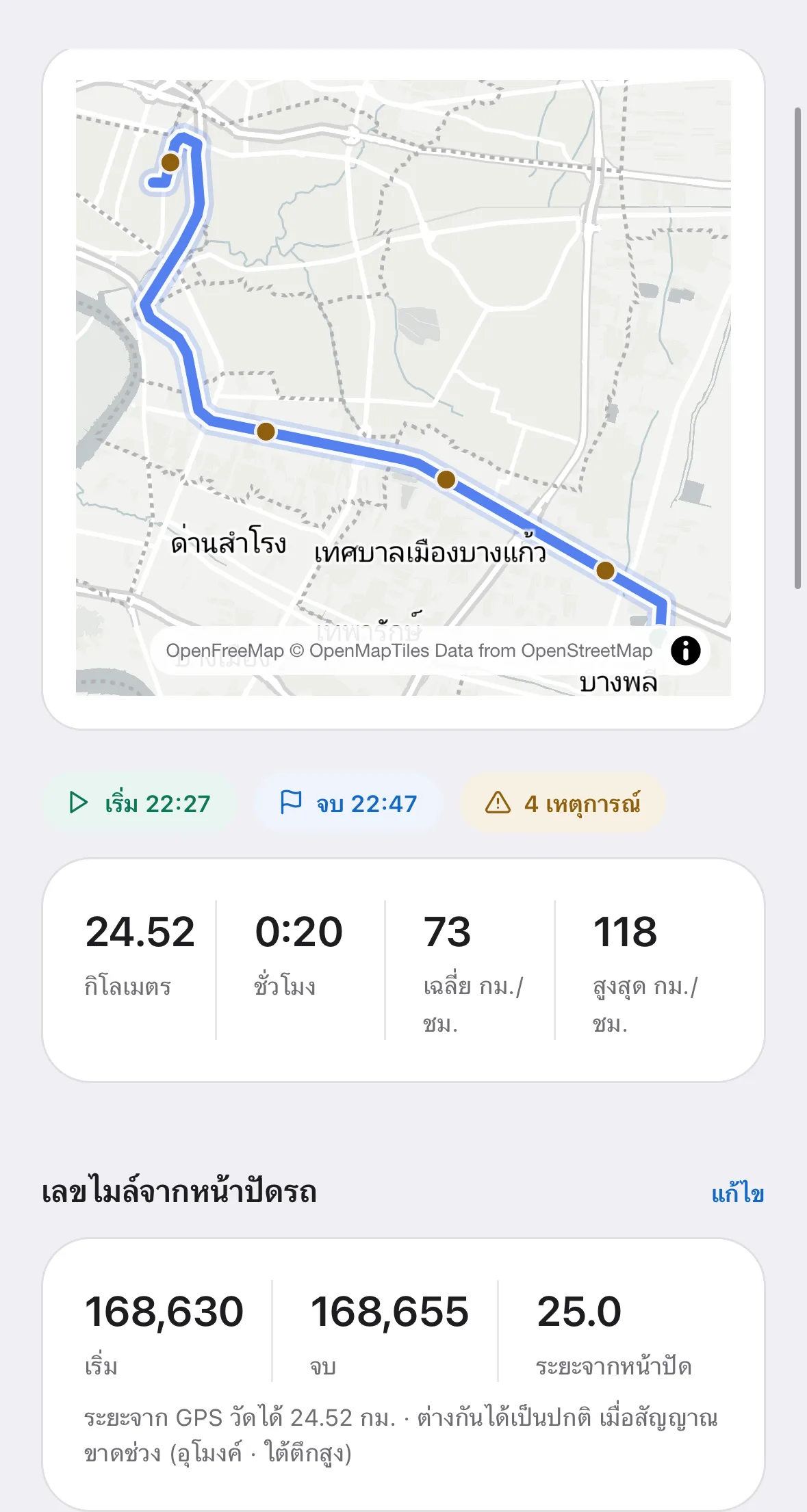
Every figure comes from documents and work recorded in the system — not a month-end estimate.
- A central vehicle register with renewal reminders ahead of the deadline
- Service intervals driven by real odometer readings, not someone’s memory
- Fault reports, work orders and repair approval against spending limits
- AI receipt checking to reclaim VAT the company was writing off
- Per-vehicle cost and cost per kilometre, for retirement decisions
- Incident records, claim values and supporting documents for the insurer
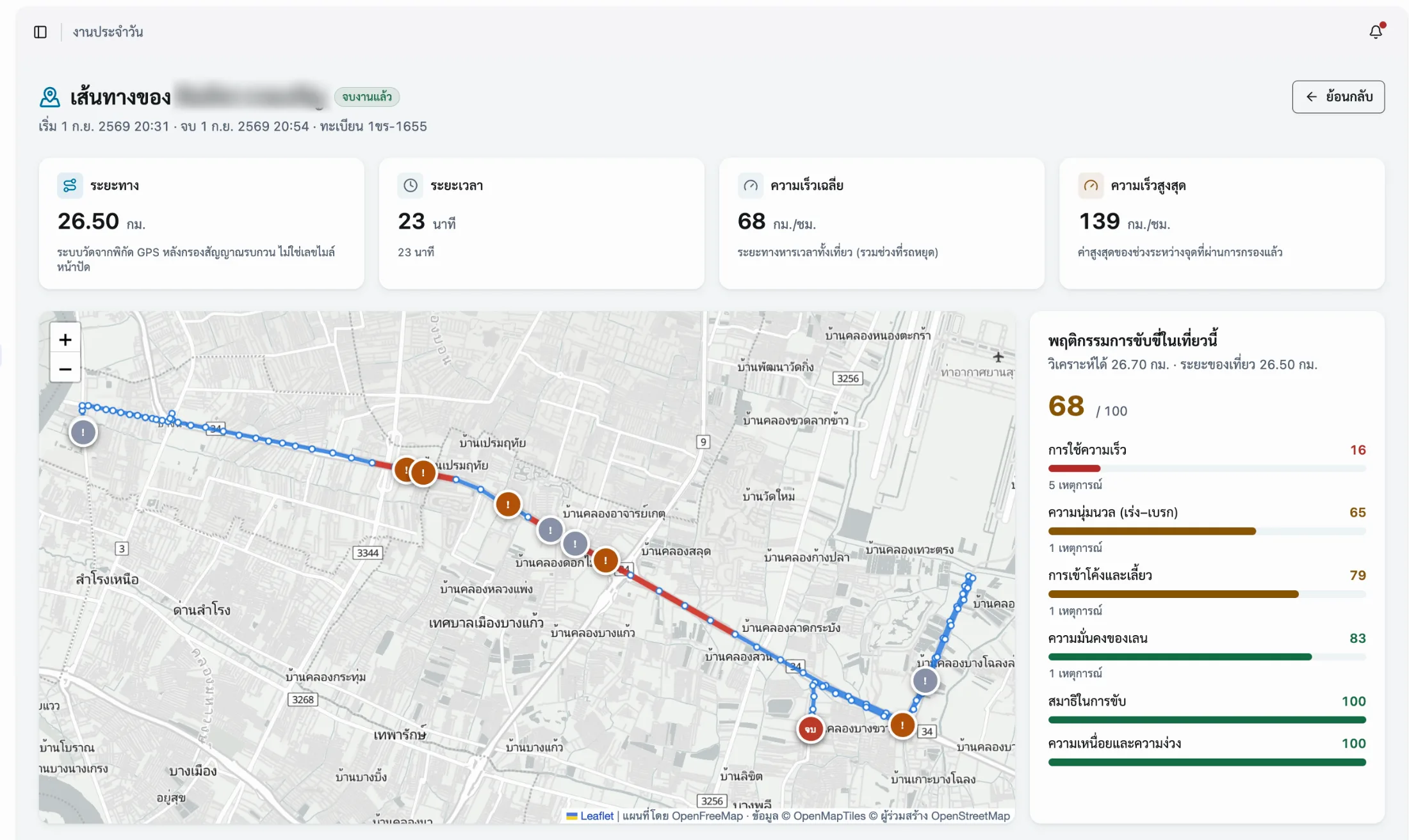
Every trip is cost data for that vehicle
Frequently asked questions
The questions our team hears most about Fleet Management — from operations, HR and IT.
01How is cost per kilometre calculated?
Expenses recorded against that vehicle, divided by the distance actually driven. Expenses come from fuel receipts, closed work orders and insurance premiums; distance comes from the tracking system reconciled against the odometer. Closed amounts are always kept separate from estimates, so a vehicle with no work order yet is never counted as costing nothing.
02Can company vehicles, rentals and staff cars be managed together?
Yes. All three sit in the same central register and differ only in what is recorded against them. Company vehicles and rentals carry full documents, insurance and service schedules. Staff-owned cars are used to link journeys and distance to work, so travel can be reimbursed and the whole organisation’s vehicle use is visible from one place.
03How does it prevent lapsed insurance and expired compulsory cover?
Every document attaches to a vehicle and carries an expiry date. The system warns before the renewal date, then warns again at dispatch: if that vehicle has lapsed insurance, expired compulsory motor insurance or a clashing booking, the warning appears before the job ticket is issued. Renewing creates a new document rather than overwriting the old one, so previous years’ premiums stay on record.
04How does repair approval by spending limit work?
Work orders itemise labour and parts separately and must clear the approver for that spending band before the work proceeds. Closing the job locks the amount; a later correction requires a new document. The history therefore shows who approved what, and when.
05What is the Scope 1 carbon report calculated from?
From the fuel actually purchased, per the receipts recorded in the system, multiplied by the emission factors published by Thailand’s Greenhouse Gas Management Organization. Ethanol and biodiesel blends are handled correctly, so the figures trace back to source documents and can feed a 56-1 One Report filing directly.
Related solutions
- GPS TrackingTrack location, route, timing and real distance live, from the app on a phone.
- Driver MonitoringSix driving behaviour scores from GPS and the phone’s own sensors — no camera or hardware to fit.
- Delivery TrackingSee where delivery vehicles are, the status of every job, and the time and coordinates of each drop.
See your own fleet cost figures in one system
Book a session with the team. We will walk through registering vehicles, dispatching them, and reading cost per kilometre from data you already hold.